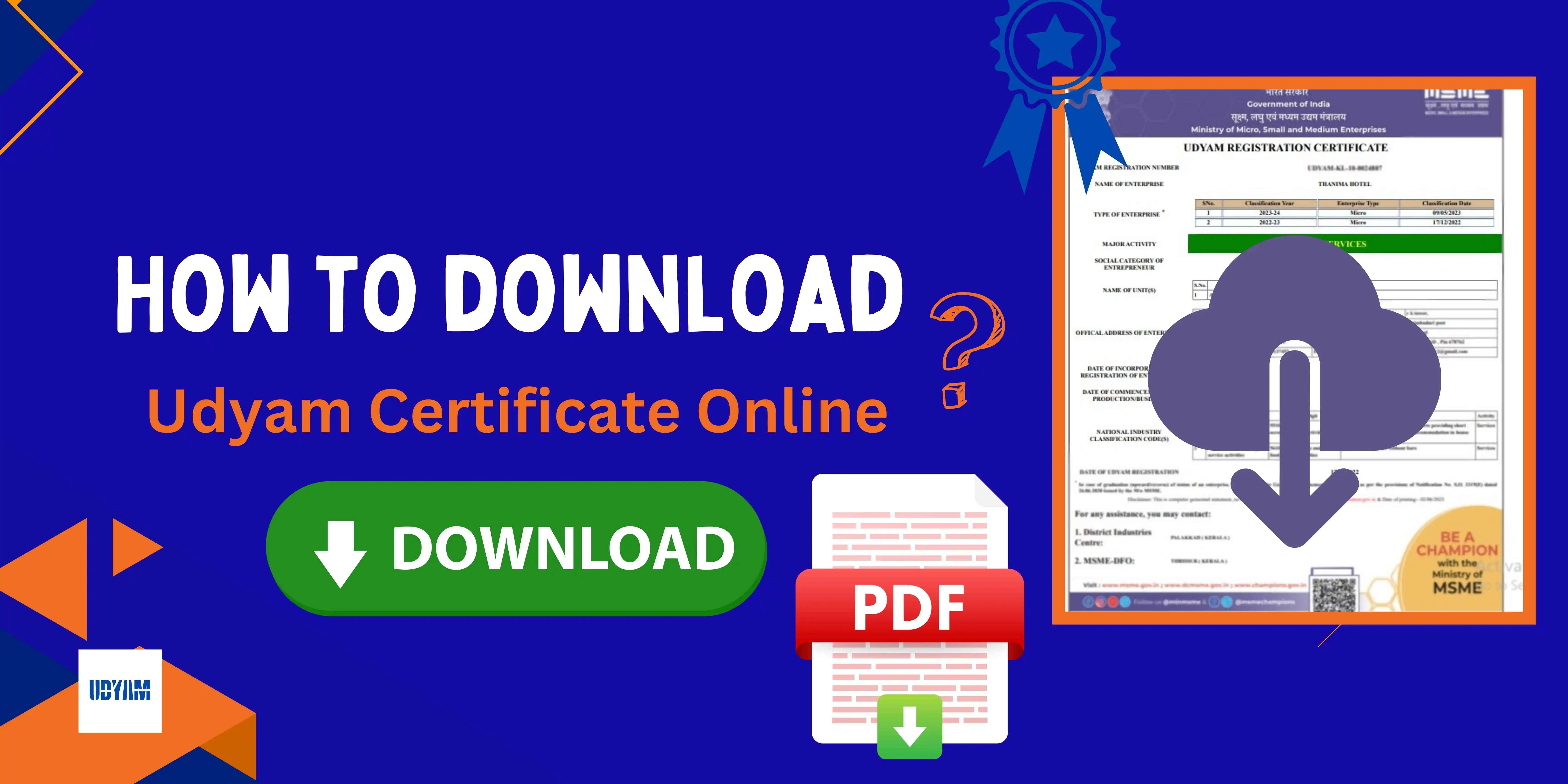
How to Apply for a MSME Certificate
Want to Apply for MSME/Udyam Registration Certificate? This easy guide will help you complete your registration online quickly, simply, and at a low Price.
Just follow the step by step guild in below, After that you will be able to login.
Steps to Apply for MSME Certificate

Go to the Official Udyam Registration Portal.

You will get options on the home page. If you are filing for the first time, tap on the "New Udyam Registration" tab.
Or if you want an instant Udyam certificate, you can also click on "Instant Udyam Services".
Enter your simple business details like:
- Name of the owner
- Mobile number
- Email ID
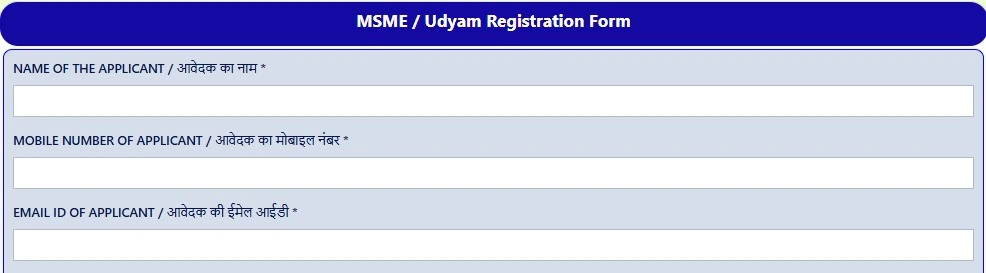
You need to provide:
- Aadhaar number (for OTP verification)
- PAN card details

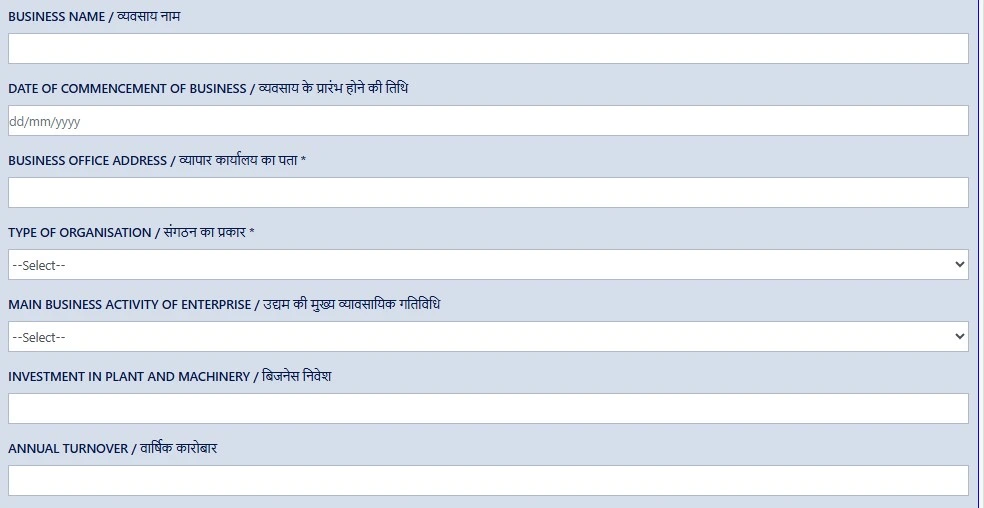
Fill your business details such as:
- Business name
- Address
- Type of Organisation
- Type of business (service/manufacturing)
- Investment and turnover
- Bank details
- Once you fill all the required details, check everything is correct, then click on the Register button.

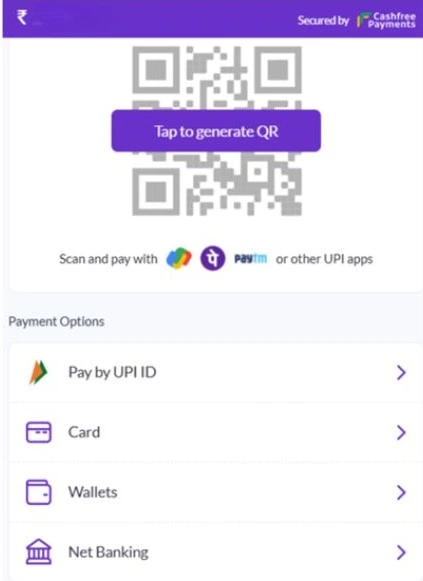
- On clicking the Register button, you will be automatically redirected to the payment gateway page and pay the nominal consultancy fees. Once the payment is done, processing will start from our end.
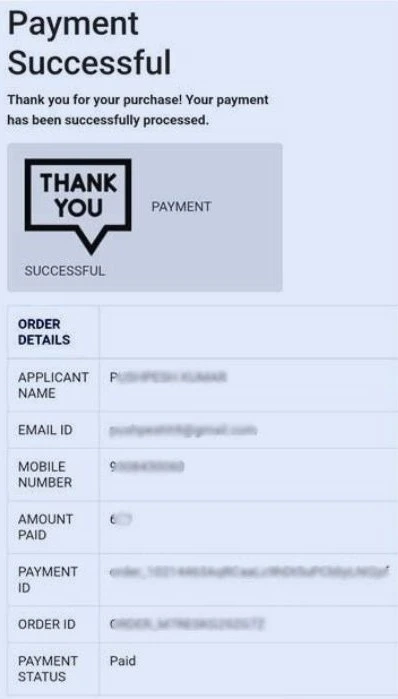
After submission, our team will help you with further processing. You will get an OTP on your registered email ID. Enter the OTP to complete verification.
After successful submission:
- You can get your Udyam Registration Certificate at your given email ID.
Note: For more financial advantages in your bank loan and government schemes, you can avail the Udyam Annexure Certificate along with Udyam Registration Certificate. To download Udyam annexure certificate, visit the ‘Udyam Annexure Certificate’ section on the same portal.