How to change or edit Udyam certificate details
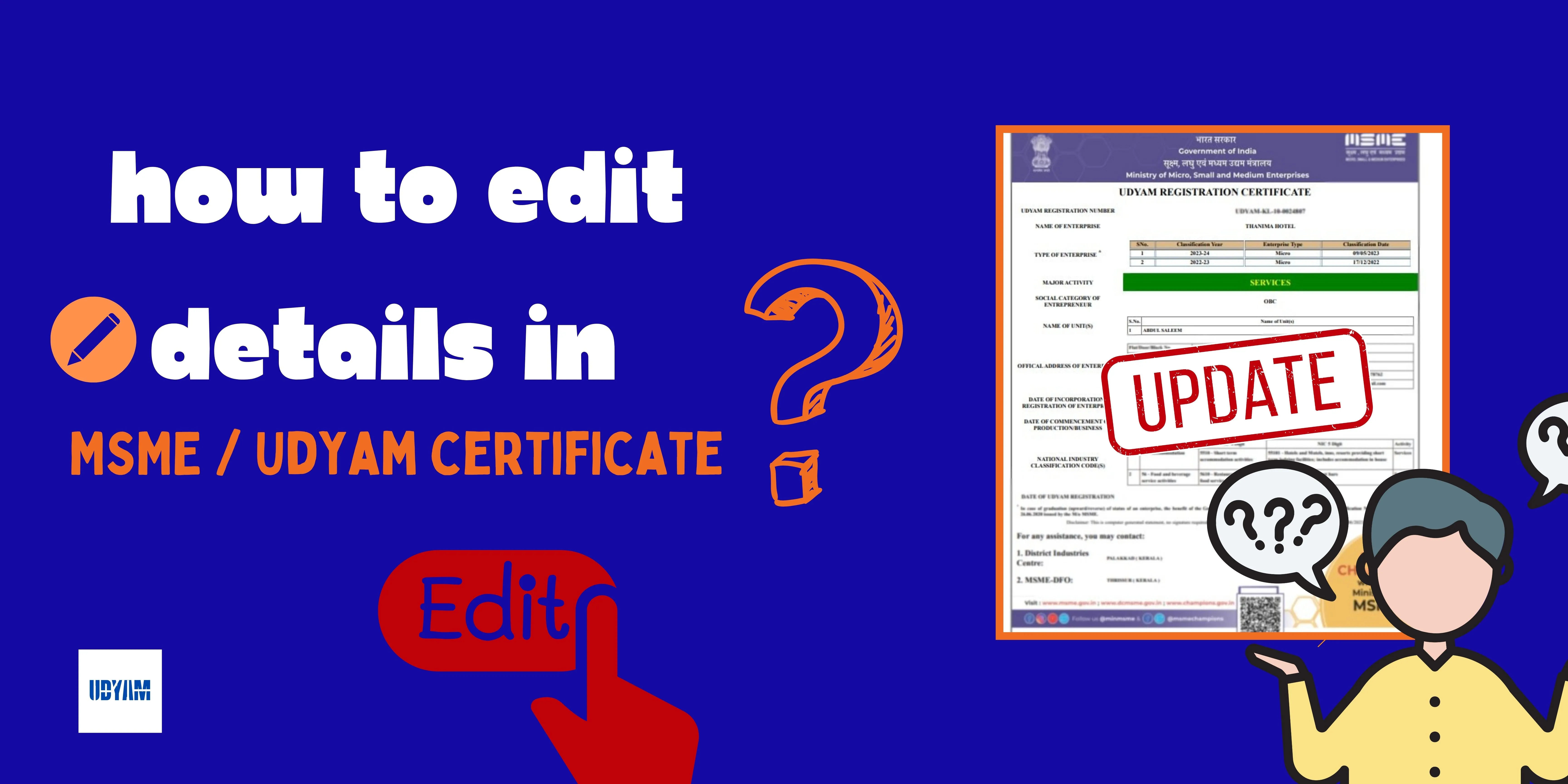
Updating details with your current business is very useful in both legal and banking matters. In this article you will learn how you can edit / change your details in the Udyam registration certificate in very simple steps form using the official process (udyamregistration.gov.in), just follow the below steps and you will be good to go.
Steps to Change or Edit Udyam Certificate:
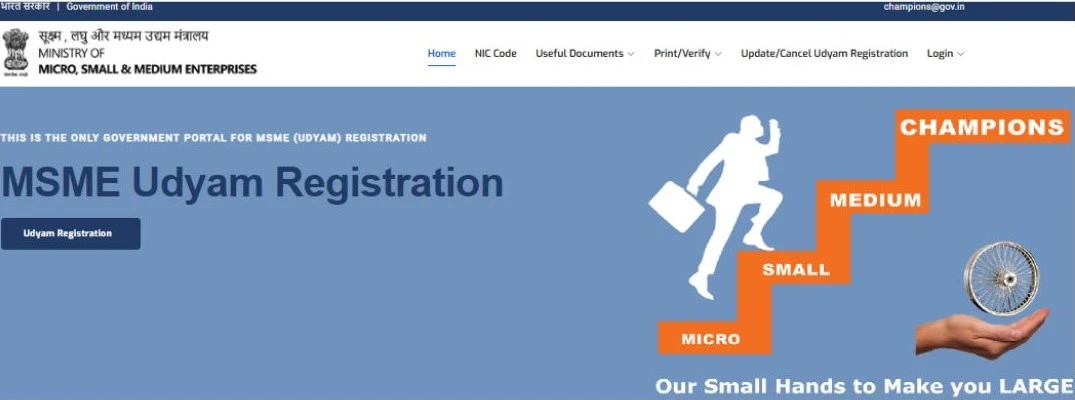
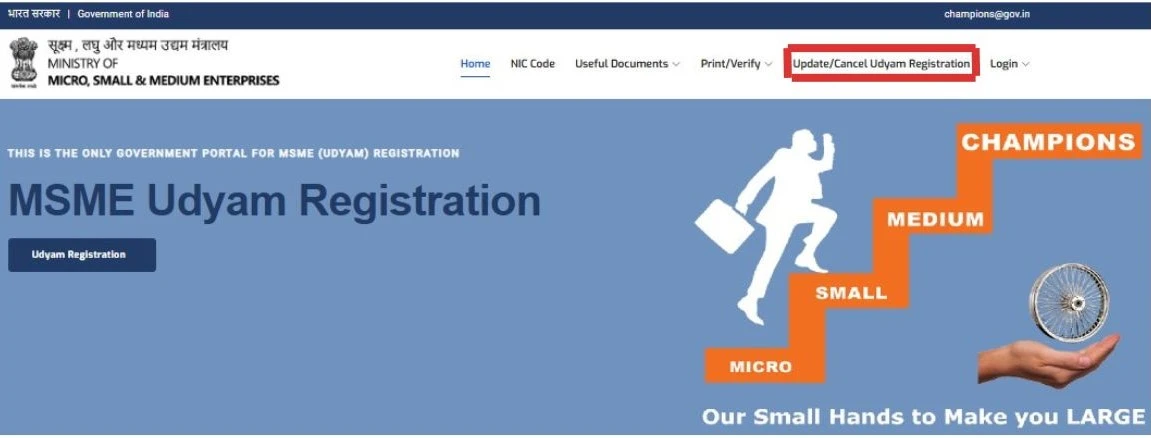
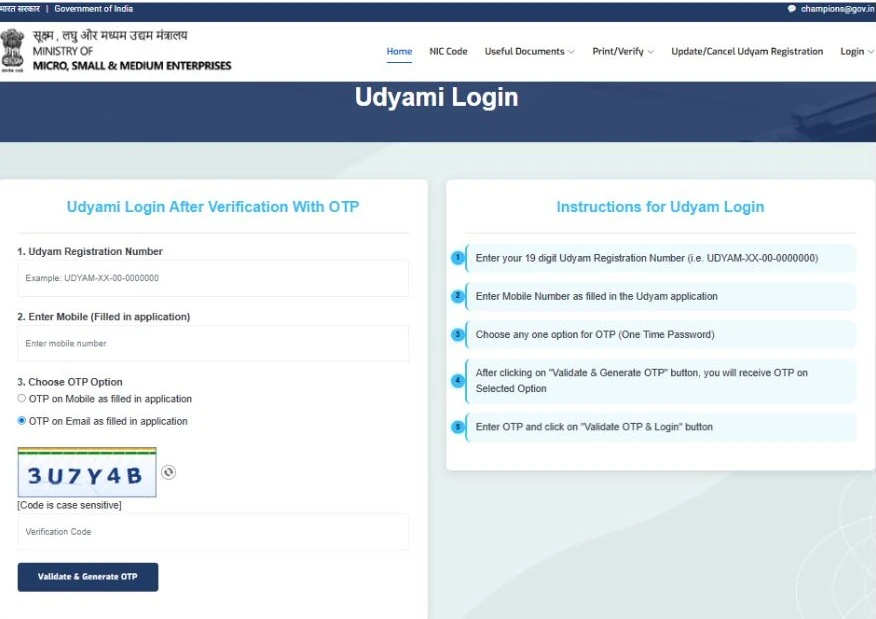
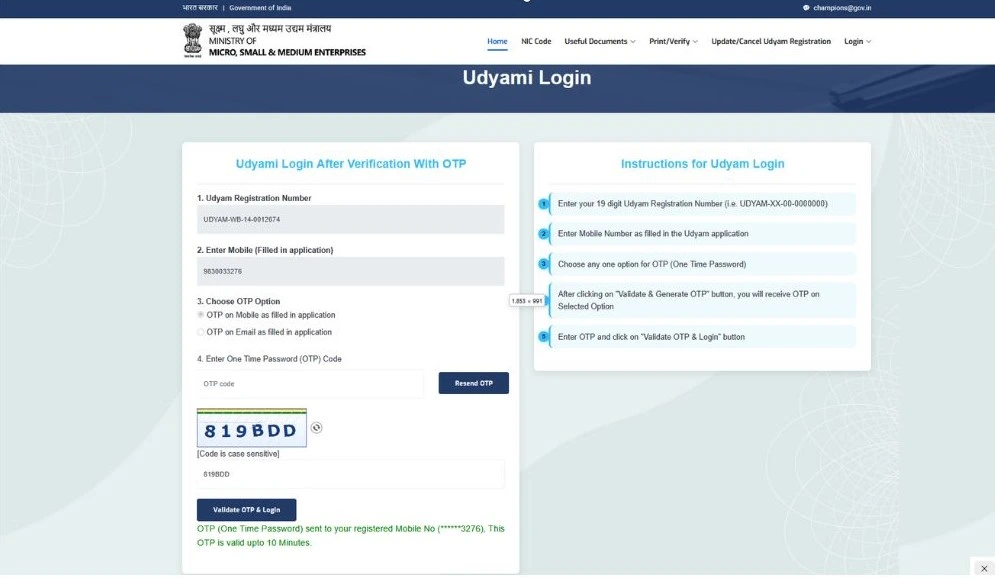
Then fill in your Udyam Registration number and mobile number, after that “choose the OTP option” in which you want to get OTP.
- After filling login details, click on “Validate & Generate OTP”.
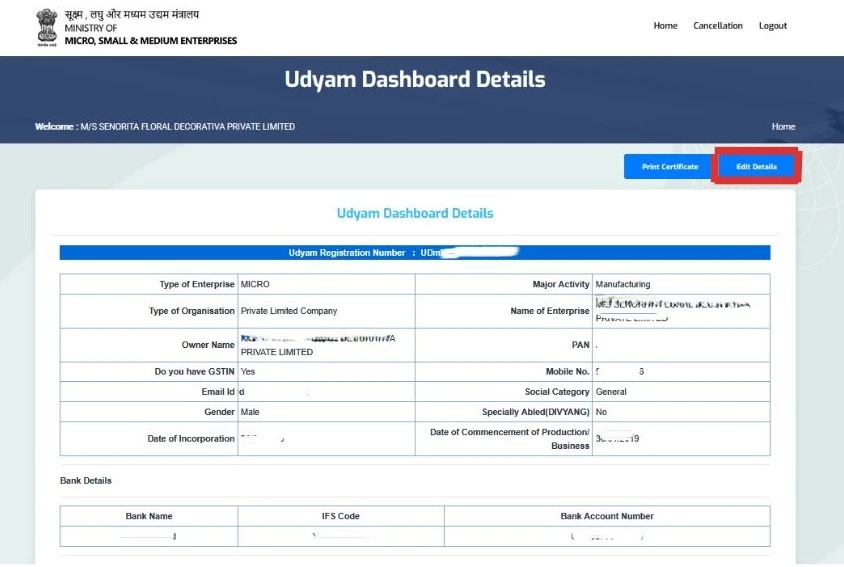
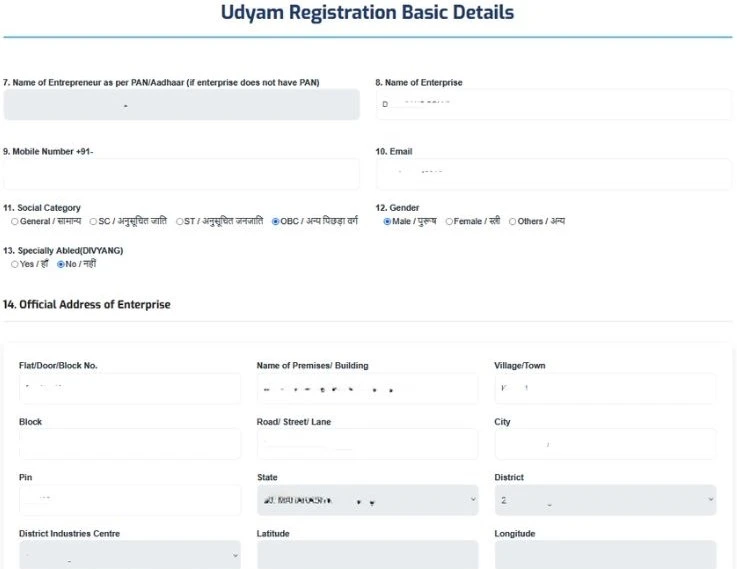
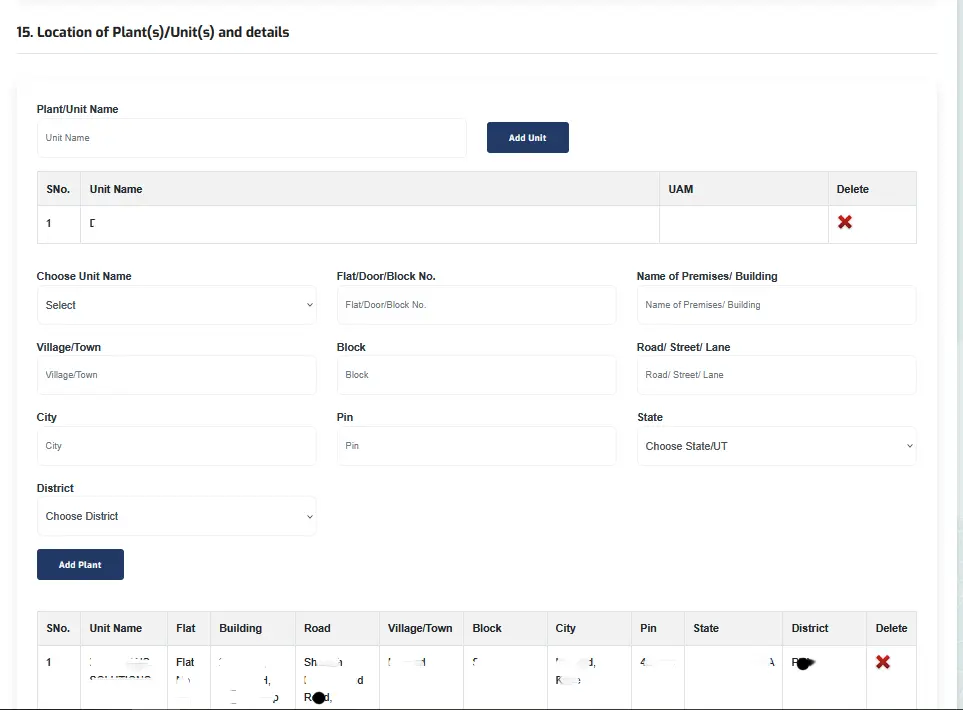
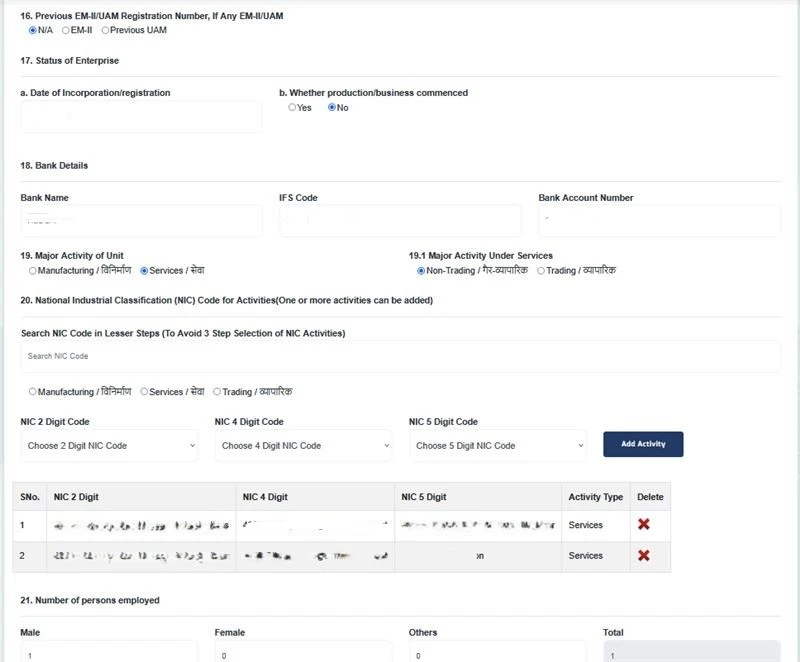
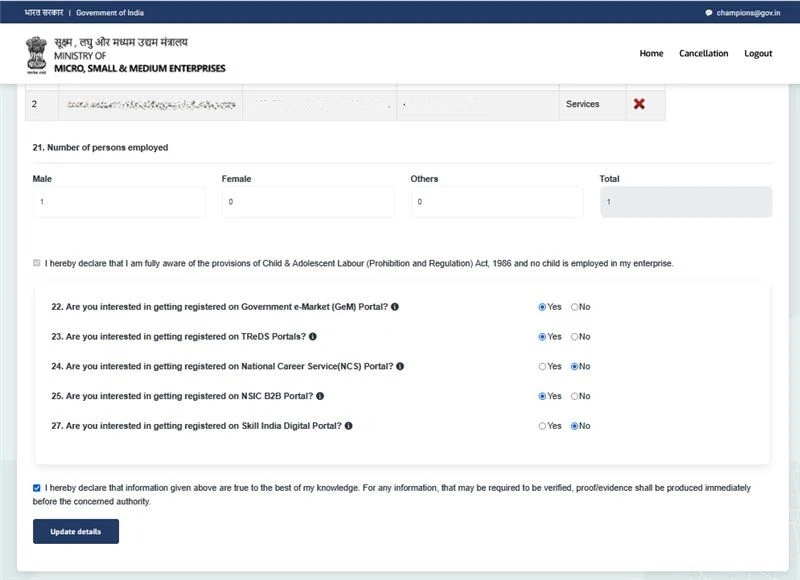
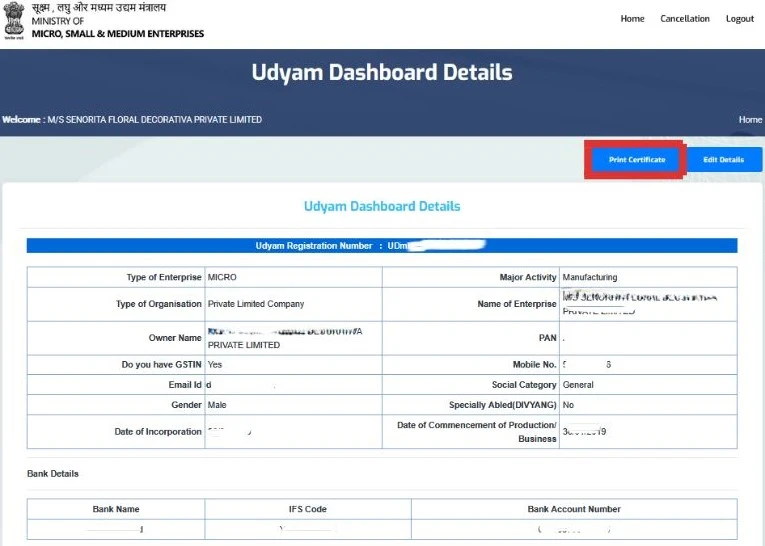
Then a new screen opens. After that, click the “Edit Details” Button.
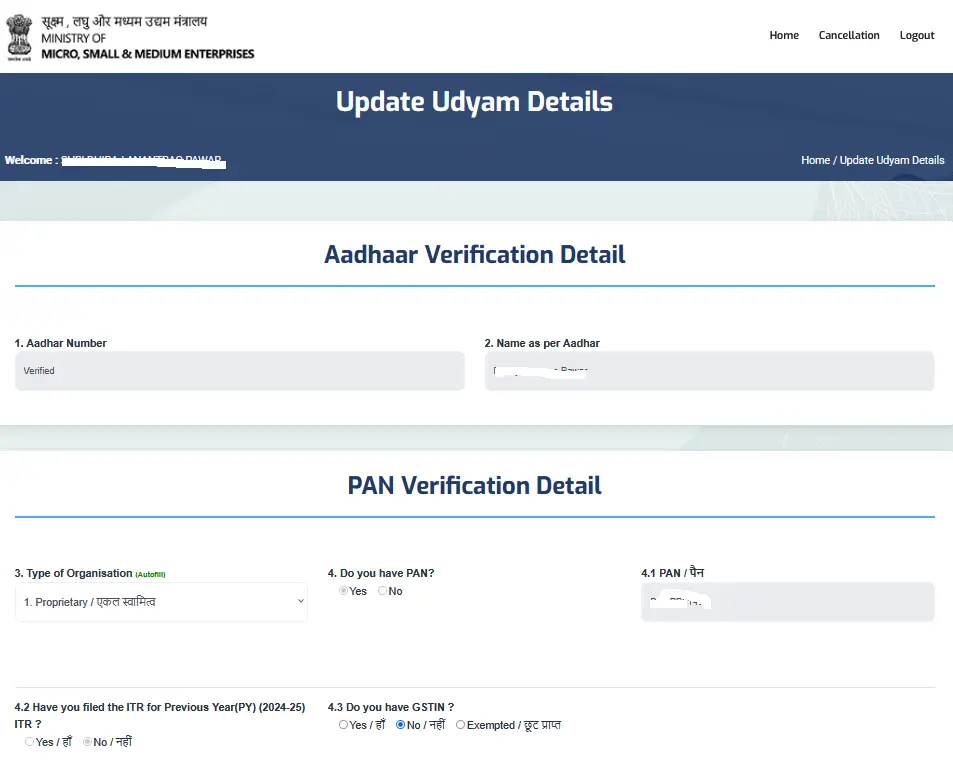
Note: you do need to update your Udyam certificate details(e.g., Owner Name, Aadhaar, and PAN details, Office address in State & District, and investment and turnover details).
Having problems while editing Udyam Portal
If the website is not working or opening In that case you can after sometime.
Using the above method you can change all of this information.
Yes, you can change the details using the above process.
Conclusion
Using the above steps, you can change all your banking, business, address, etc. details in the Udyam Registration Certificate to keep up to date with your business details. So, just follow the above steps, and you will successfully edit your certificate.
Useful Links
Conclusion
Using the above steps, you can change all your banking, business, address, etc. details in the Udyam Registration Certificate to keep up to date with your business details. So, just follow the above steps, and you will successfully edit your certificate.